
Skip to content
View in the app

A better way to browse. Learn more.

UnityHQ Nolfseries Community

A full-screen app on your home screen with push notifications, badges and more.

To install this app on iOS and iPadOS
  1. Tap the Share icon in Safari
  2. Scroll the menu and tap Add to Home Screen.
  3. Tap Add in the top-right corner.
To install this app on Android
  1. Tap the 3-dot menu (⋮) in the top-right corner of the browser.
  2. Tap Add to Home screen or Install app.
  3. Confirm by tapping Install.

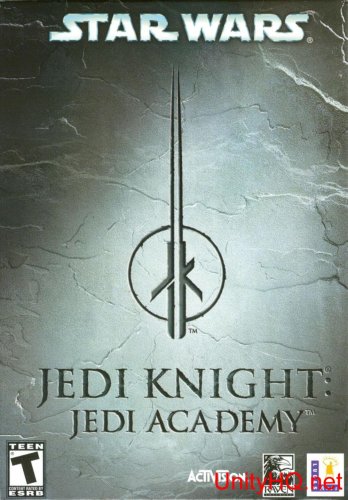
Jedi Knight - Jedi Academy Complete game 1.0.0

1 Screenshot

Star Wars: Jedi Knight - Jedi Academy is the sequel to Star Wars: Jedi Knight II - Jedi Outcast. The player is cast as Jaden Korr, a padawan at the Jedi Academy taught by Luke Skywalker and Kyle Katarn. Both the character and their lightsaber are created at the beginning of the game. Throughout the game, the player will acquire several force powers and weapons, such as lightning and the Tenlos Disruptor Rifle. As they progress through the different missions, they may be seduced by the dark side of the Force.

After installing apply the patch also found here in the downloads.

What's New in Version 1.0.0

Released

No changelog available for this version.

Account

Navigation

Search

Search

Configure browser push notifications

Chrome (Android)
  1. Tap the lock icon next to the address bar.
  2. Tap Permissions → Notifications.
  3. Adjust your preference.
Chrome (Desktop)
  1. Click the padlock icon in the address bar.
  2. Select Site settings.
  3. Find Notifications and adjust your preference.